I wanted to save a specific Claude reply and couldn't. So I built a free Chrome extension to do it - star any AI reply, sync it to the cloud, and scroll back to it instantly. Here's exactly how it went.
# I Coded a Chrome Extension That Bookmarks AI Replies on Claude, ChatGPT and Grok - Here's Exactly How It Went
Have you ever had a perfect AI reply that you knew you'd never find again?
That is exactly what started this. I was using Claude and wanted to save a specific message - not the whole conversation, just that one reply. So I did what any developer does: I Googled it.
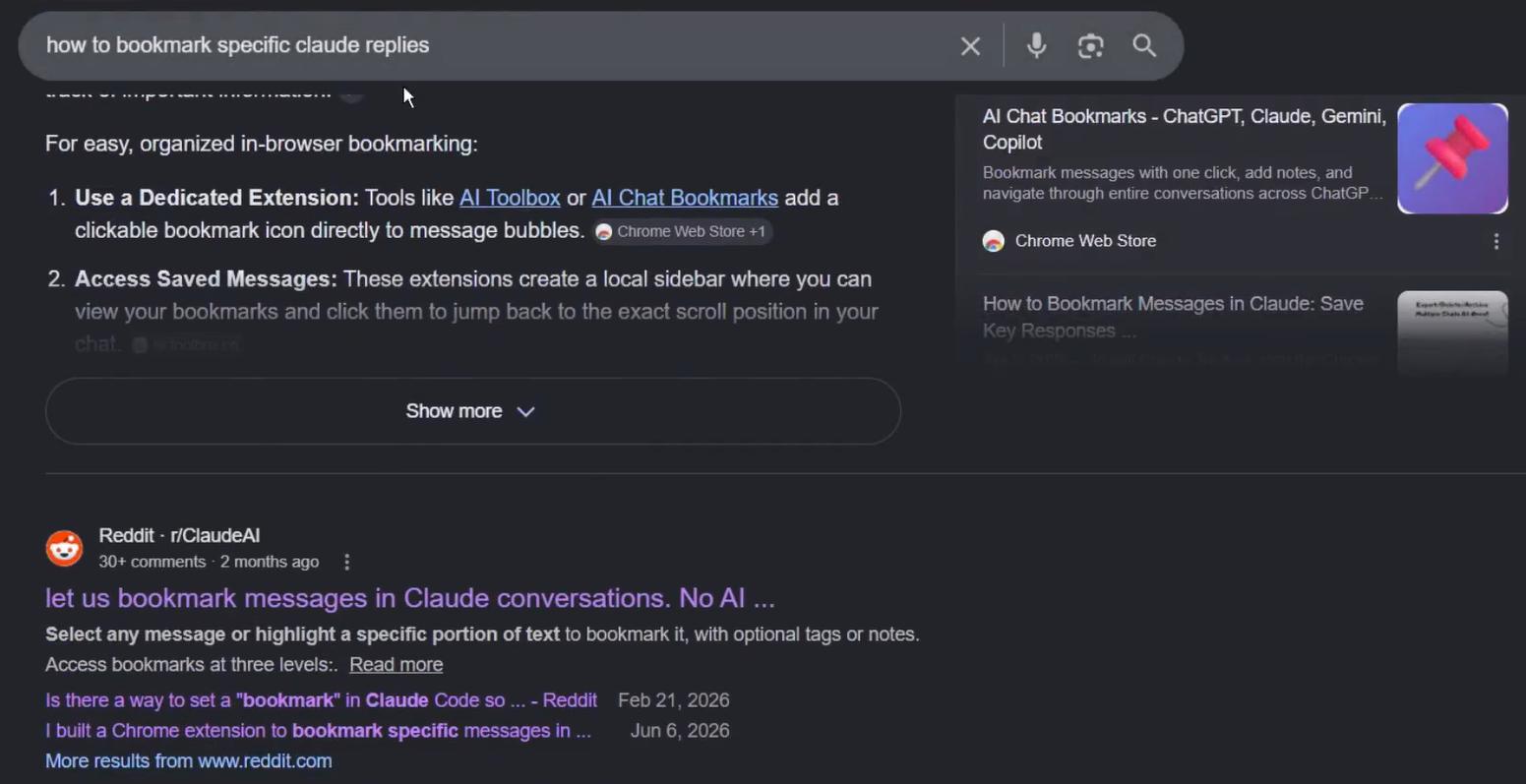
I came across something called "AI Toolbox for Claude" - but it had quite a few negative reviews, mostly because it was a paid service. That got me thinking: how complex would it actually be to build something like this myself?
That thought turned into AI Bookmark - a Chrome extension that lets you star and save specific replies from Claude, ChatGPT and Grok, with cloud sync via Supabase. This is the full story of how it was built, including every bug, every dead end and every moment where the AI surprised me.
---
Before writing a single line of code, I had to think through the architecture.
My first instinct was local storage - it is simple, it requires no backend, and for a validation project it is more than enough. But there is a real problem with local storage in Chrome extensions: if a user uninstalls the extension, the data is gone. That is a terrible experience for something that is supposed to help people save things. So I knew I would need to offer an import/export function at minimum - and depending on how the project grew, a proper cloud option would become necessary.
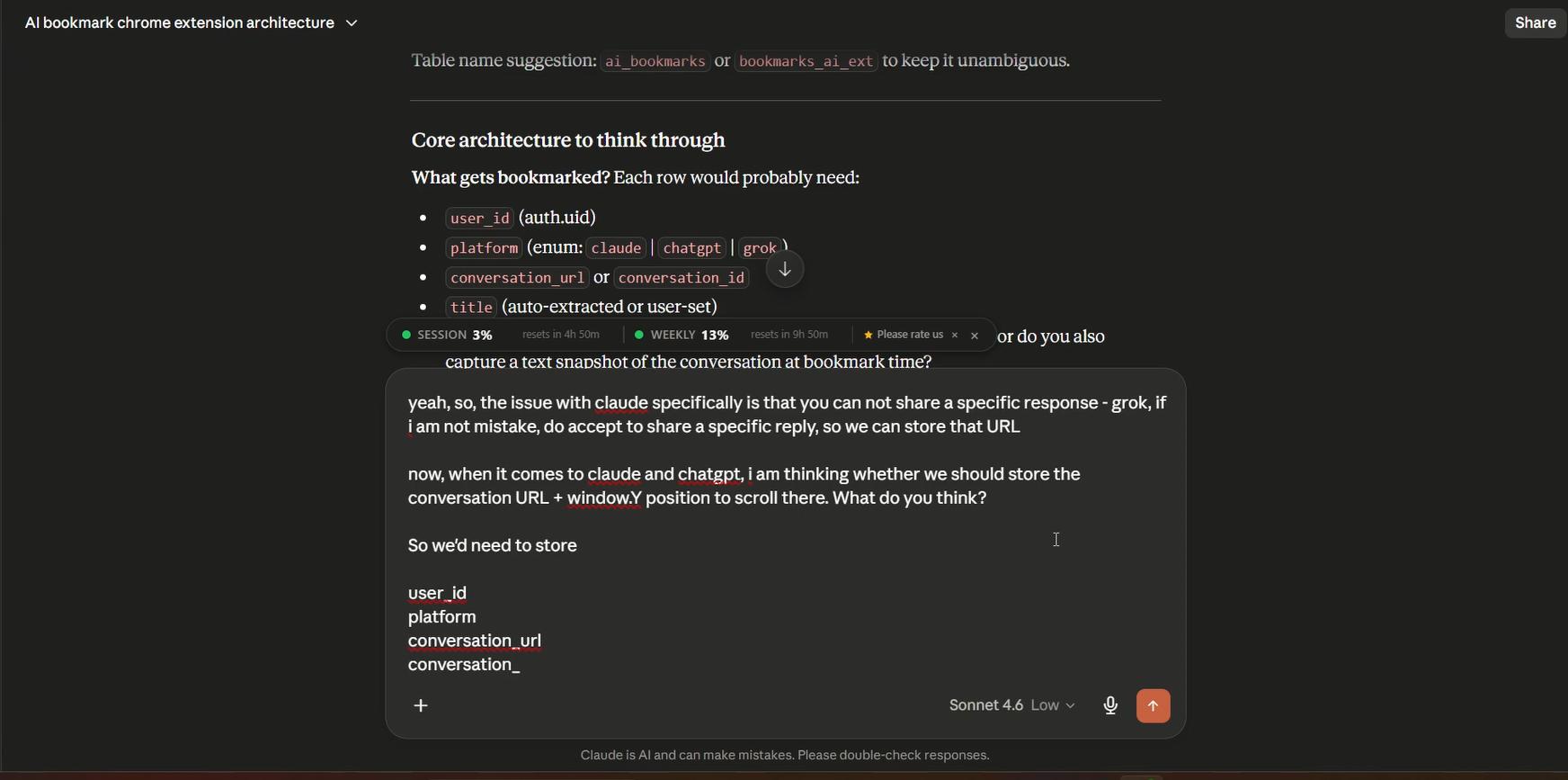
In terms of what data to actually store, the requirements were fairly clear. We would need: the URL of the conversation, the chat title, the content of the reply itself, and some way to scroll back to that specific message when the user wants to revisit it. That last part - the scroll-to mechanism - would turn out to be the most interesting engineering problem of the whole project.
One more thing I wanted from the start: seamless visual integration. I did not want the extension to feel bolted on. I wanted the bookmark button to look like it belonged on Claude and ChatGPT natively. To do that, I planned to inspect their CSS and build the UI to match.
---
Once the concept was clear, I sat down with Claude to work through the technical details.
One of the first things I needed to figure out was whether sharing a single Supabase account across multiple projects was viable. I only have one Supabase account, and several of my extensions already use it - each one gets its own table. That setup works fine, and this project would follow the same pattern.
The more interesting question was: how do you link back to a specific reply inside a conversation?
Grok actually makes this easy - it has a native "share reply" feature that generates a URL directly to